Mobile Print
Solutions
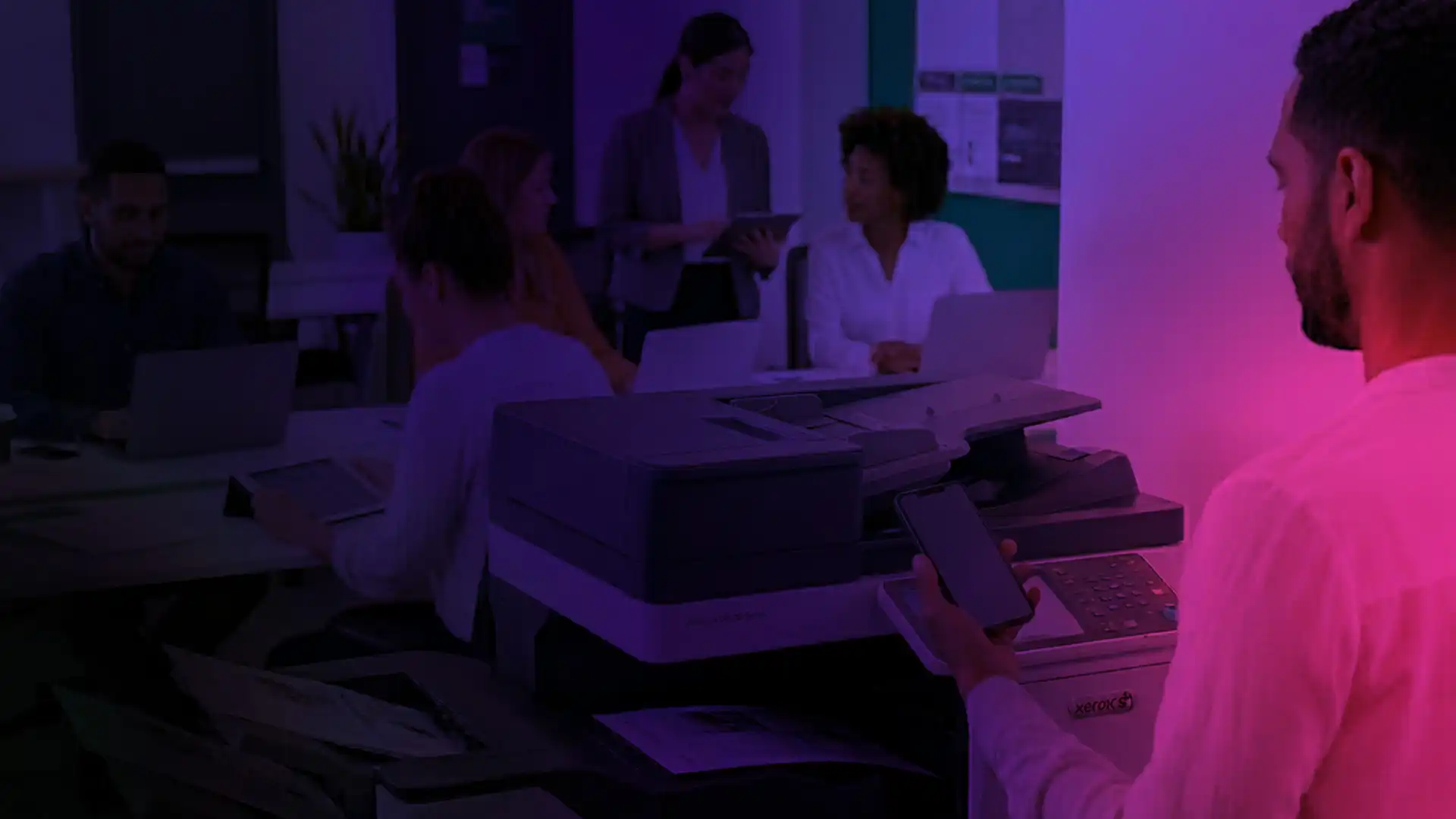
Enable employees and guests to print from any device, wherever they work, while maintaining security, visibility and control.

Desired Outcomes
What Do You Need
From Mobile Printing?
Most organisations are looking to achieve one or more of the following:
 Simple, frictionless printing for guests and visitors
 Secure printing for hybrid and BYOD users
 A consistent printing experience across devices and locations
 Full visibility, control and governance over print activity
The right solution depends on your users, devices and security requirements.
Mobile Print Solutions
Xerox Mobile
Printing Options
Whether you need simple guest printing or enterprise-wide mobile print management, Xerox offers solutions for every stage of the mobile printing journey.
@PrintByXerox App
- Simple solution for guest printing and occasional users
- Email-to-print from any device
- No apps, drivers or configuration required
- Already pre-installed on Xerox AltaLink and VersaLink devices
- Minimal IT overhead
- Zero cost, zero set up but very limited control

Xerox® Workplace Mobile App
- Enhanced mobile printing for everyday users
- Available for iOS and Andriod devices
- Connect to printers using, QR code, NFC or IP address
- Print directly from cloud storage and business applications
- Access advanced print settings from mobile devices
- Secure connection for a consistent user experience
Xerox® Workplace Solutions
- Scalable print management solution with mobile printing built in
- Secure print release and user authentication
- Integration with Entra ID, LDAP and Okta
- Full reporting, policy control and analytics
- Supports Xerox and non-Xerox printer fleets, with the deepest integration available on Xerox devices
- Cloud or on-premise deployments

Darren Bird, Senior Solutions Consultant, Xeretec
“The challenge isn’t enabling mobile printing. The challenge is enabling it without creating additional complexity, security risks or support overhead for IT teams. That’s where choosing the right solution becomes critical.”
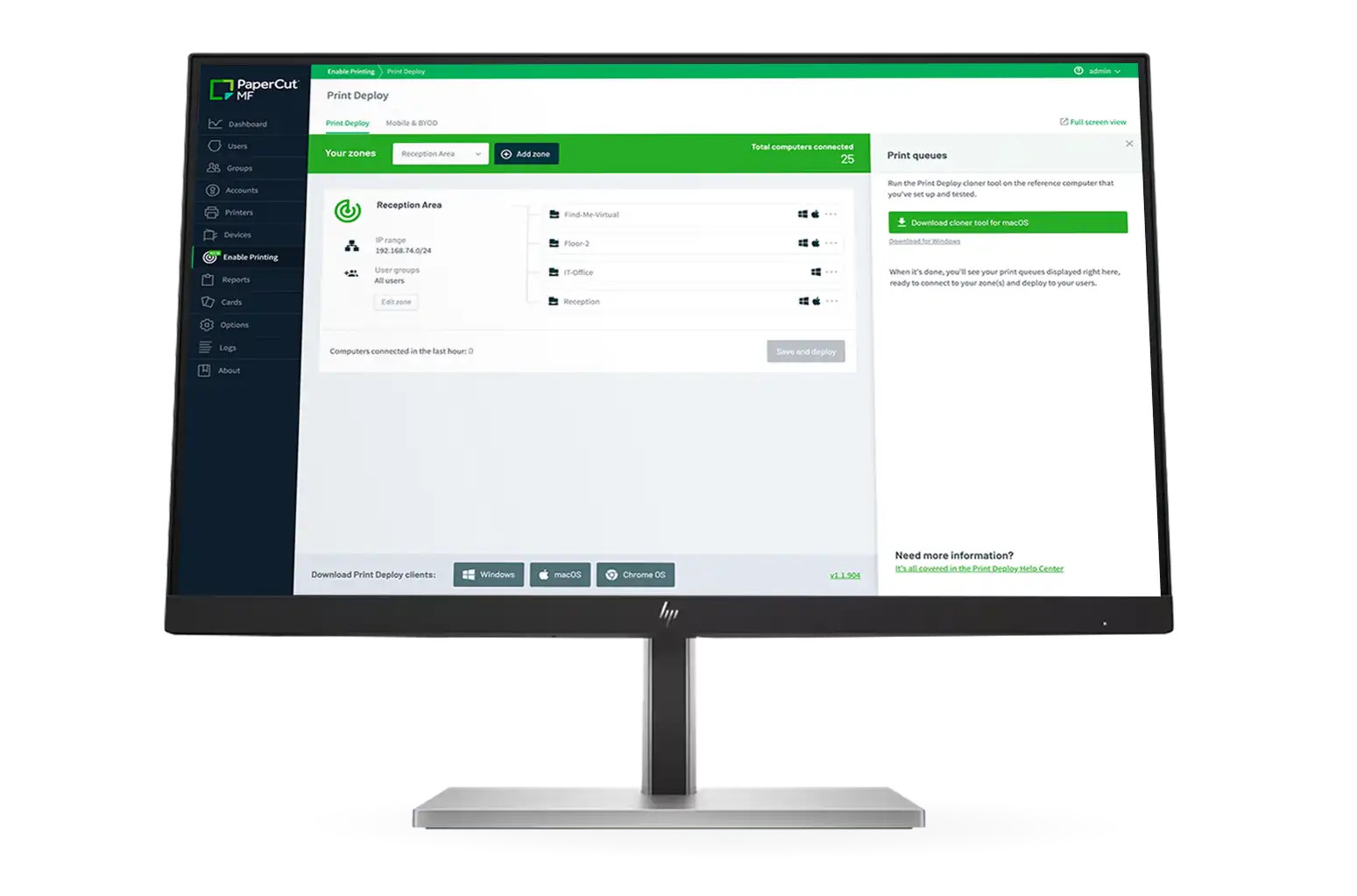
PaperCut Mobility Print
Flexible mobile printing for mixed device and printer environments.
Designed to support BYOD, hybrid working and organisations looking for a simple user experience across multiple device types.
-
 Print from Windows, macOS, Chromebook, iOS and Andriod
-
 Printing is fast, secure and native
-
 Supports local and remote printing
-
 Can be combined with PaperCut MF for tracking, reporting and print governance

Choosing The Right
Mobile Print Solution
There is no single best mobile printing solution, the right approach depends on:
- User requirements
- Security policies
- Existing print infrastructure
- Cloud strategy
- Desired level of control and reporting
Our role is to help organisations assess these factors and recommend the most appropriate solution for their environment.
Speak to our
Specialists
Whether you’re reviewing an existing solution, supporting hybrid workers or evaluating mobile printing for the first time, we’ll help you identify the most appropriate approach for your organisation.

FAQs
Find answers to common questions about Mobile Print Solutions.
Most organisations use mobile printing to support hybrid workers, guests and unmanaged devices where traditional laptop-based printing isn't always practical or available.
The right solution depends on your users, devices, security requirements and desired level of control. We help organisations assess these factors and identify the most appropriate approach.
Yes. Modern mobile printing solutions can support user authentication, secure print release, access controls and integration with identity platforms such as Azure AD, LDAP and Okta.
@PrintByXerox is a simple email-to-print service designed for guest and occasional printing. Xerox Workplace Solutions is a full print management platform that provides authentication, reporting, policy control and secure printing across the organisation.
Yes. Solutions such as PaperCut Mobility Print and Xerox Workplace Solutions allow users to submit print jobs from a range of devices and locations while maintaining security and control.
Yes. Both PaperCut and Xerox Workplace Solutions can support mixed fleets, including Xerox and non-Xerox devices, depending on the deployment model and requirements.
Yes. Many organisations begin with basic mobile printing capabilities and introduce additional security, reporting and governance features as requirements evolve.
No. While some solutions offer deeper integration with Xerox devices, both PaperCut and Xerox Workplace Solutions can support many mixed printer environments.